
A little old-web magic
How to Make and Share a Blinkie
Learn how to make a blinkie, add your own image, export an animated GIF and share it on your website or profile. Follow practical editing and embedding tips.
Make your first blinkie
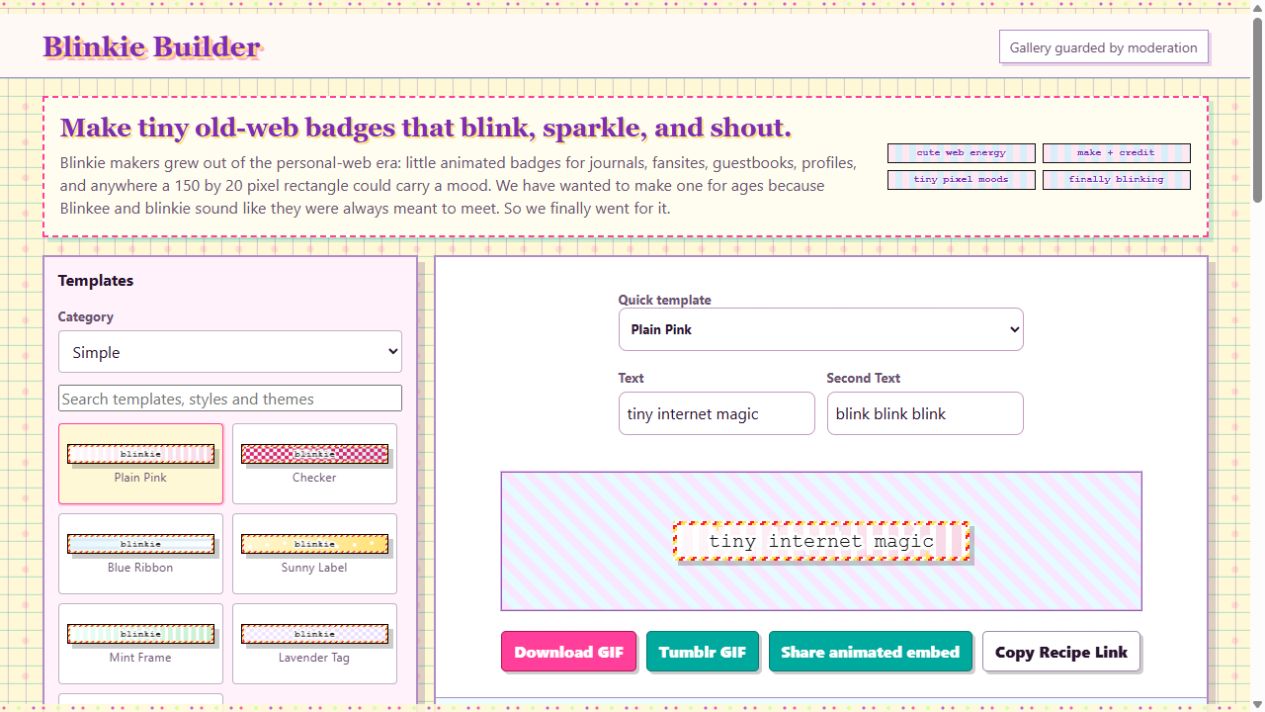
- Choose a template and write a short message. Classic blinkies are 150 × 20 pixels, so a few words work best.
- Choose colors and animation, or upload a PNG, JPEG, WebP or GIF. Use “Whole picture” to keep the entire image, or “Fill and crop” for a background.
- Download GIF for an animated file. Choose Tiny GIF · 150 × 20 for classic size. You do not need an account.
- To put an animated image on a website, choose “Share animated embed,” confirm permission, and create a share link. Copy the resulting embed into a page that accepts HTML.
Follow the picture-upload guide and try it in the editor.
Where to put your blinkie
Your own website or Neocities page
Open your page’s HTML editor and paste the animated embed where you want the badge to appear. Save, then preview the page. The embed contains an image and a link back to a remixable design. If your editor removes HTML, download the GIF and upload it through that editor’s image tool instead.
Tumblr
Start with the Tiny GIF · 150 × 20 download and upload the file as an image in a post. Theme descriptions and custom HTML areas vary by theme; preview the result before publishing. A downloaded GIF does not require a hosted share link.
SpaceHey and other profile editors
Where your profile editor permits linked images, use the hosted GIF address from the generated embed as the image source. Some editors restrict HTML or remote images. Preview your profile, and use its own image upload if an embed is removed.
Why does a GIF look still?
Some apps show a still preview until you open the image. Check the downloaded GIF in a browser. “Pause animations” affects browsing here; it does not remove animation from your export. With still text and a still frame, choose an animated option if you want movement.
Sharing, credit and gallery approval
Creating a shared link uploads your design so anyone with that link can view it. It is not automatically listed in the gallery. Gallery submissions are reviewed before they appear publicly. Keep a downloaded copy; browser-saved designs can be lost if you clear browser data.